


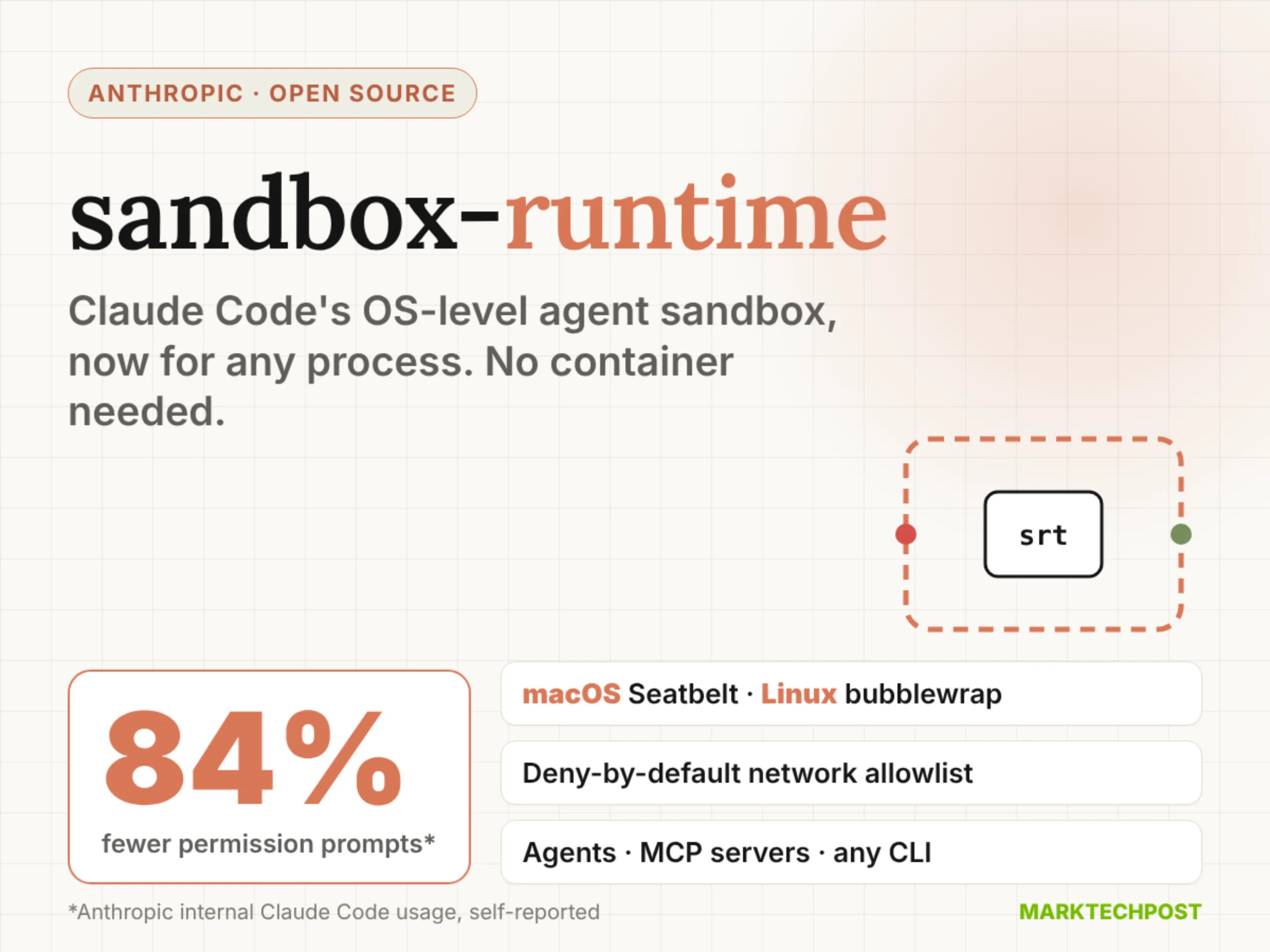
In this article, we will discuss newly trending open sourced Anthropic’s sandbox-runtime (srt), the OS-level sandbox behind Claude Code’s sandboxed bash tool. The Anthropic sandbox-runtime limits which files a process can touch and which hosts it can reach. It does this without spinning up a container. It is also not tied to Claude Code. Your own agents, local MCP servers and plain command-line programs can run inside it.
TL;DR
- Size: npm package
@anthropic-ai/sandbox-runtimev0.0.81, about 11.4 MB unpacked, Apache-2.0, Node.js 22.12+. - Runs on: any macOS or Linux dev machine or CI box. macOS uses Seatbelt; Linux needs bubblewrap, socat and ripgrep. Windows is alpha.
- Performance: sandboxing cut Claude Code permission prompts by 84% in Anthropic’s internal usage (self-reported).
- Best: 84% fewer permission prompts, with file and network limits enforced on the whole process tree.
- Worst: still a beta research preview, Windows support is alpha.
What is Anthropic sandbox-runtime?
Anthropic sandbox-runtime is an open-source tool that wraps any process in filesystem and network restrictions. You install it with npm install -g @anthropic-ai/sandbox-runtime, then prefix a command with srt. It works as a CLI and as a TypeScript library.
How does sandbox-runtime work on macOS, Linux and Windows?
srt uses each operating system’s own isolation primitives. Its restrictions cover the entire process tree, including scripts and subprocesses.
- macOS:
sandbox-execwith dynamically generated Seatbelt profiles. Only ripgrep is required. - Linux: bubblewrap with the network namespace removed. It also needs socat and ripgrep.
- Windows (alpha): a dedicated
srt-sandboxaccount, a Windows Filtering Platform egress fence and explicit file ACLs.
Traffic leaves only through HTTP and SOCKS5 proxies running on the host. On Linux, those proxies sit behind Unix sockets bind-mounted into the sandbox. On macOS, the Seatbelt profile allows only one localhost port. The proxies then apply your domain allowlist and denylist.
Why does it need both filesystem and network isolation?
Anthropic team argues that 1 boundary without the other fails. Without network isolation, a prompt-injected agent could exfiltrate SSH keys. Without filesystem isolation, it could escape the sandbox and gain network access.
srt’s defaults follow that logic. Reads are allowed everywhere unless denied. Writes are denied everywhere unless allowed. Network access is denied unless a domain is allowlisted.
How do you sandbox an MCP server or your own agent?
For an MCP server, change the command in .mcp.json from npx to srt. Pass the original command as arguments. Rules then live in ~/.srt-settings.json:
{
  "network": { "allowedDomains": ["api.github.com", "*.npmjs.org"], "deniedDomains": [] },
  "filesystem": { "denyRead": ["~/.ssh"], "allowWrite": ["."], "denyWrite": [".env"] }
}
For your own agent, the library exposes SandboxManager. Call initialize(config) to start the proxies. Then wrapWithSandbox() returns a wrapped command string you can spawn.
What does the 84% figure mean?
Anthropic reports that sandboxing reduced permission prompts by 84% in internal Claude Code usage. That is a self-reported number, not an external benchmark. The target is approval fatigue. Developers who click “approve” all day stop reading what they approve. A fixed boundary lets the agent work freely inside it and ask only at the edge.
